Frustrated by stuttering streams or missing channels on your Samsung Smart TV? Many Samsung models run Tizen, so not every IPTV player appears in the App Store.
This guide highlights the Best IPTV Apps For Samsung TV and explains installation, reliable players, phone casting, and how to use a downloader or extra hardware. Read on to pick a setup that fits your home.
Navigation:
Can I install IPTV apps directly on my Samsung Smart TV?
Often, yes. Samsung uses Tizen with the Smart Hub as its app platform. If an IPTV application lists support for your model and region, you can install it from the Samsung app catalogue.
If the app is not available, a small HDMI device can bridge the gap and expand your player options.
Top IPTV apps compatible with Samsung TV
Here are the Best IPTV Apps For Samsung TV for quick Streaming and steady Live TV. Below, you will find key features, Tizen support notes, and simple App Store tips.
IPTV Smarters Pro
IPTV Smarters Pro offers easy access to Live TV and Video on Demand in a simple interface. It supports M3U playlists and provider logins, which makes setup quick on many Tizen models.
The app handles multiple profiles, external players, and subtitles. That means a single television can serve different viewers with their own settings and lists.
Smart IPTV
A top pick for many users, Smart IPTV runs smoothly on Samsung sets.
Smart IPTV loads M3U playlists quickly on Tizen models and displays EPG data with clear channel grids. It ranks among Best IPTV Apps For Samsung TV for its balance of speed and simplicity.
You can find it in Samsung Smart Hub in supported regions or use a downloader route if your model allows it.
SS IPTV
SS IPTV runs well on many Samsung Smart TV models and supports M3U playlists plus XMLTV EPG feeds. It handles Live TV and VOD, loading HD streams with low lag when your network is stable.
Setup is straightforward via the Smart Hub on newer sets, with a Downloader method available on some older Tizen models. The interface is tidy, and playlist mapping is easy, which keeps channel lists under control.
Up next, we check how OTTPlayer works on Samsung TV.
OTTPlayer
OTTPlayer appears in the Samsung App Store for many Tizen models. Install it through the Smart Hub, then add your M3U file or paste a playlist URL in settings to start streaming Live TV and VOD.
The player fetches EPG data for programme listings and thumbnails. Playback is smooth on most sets, though your network speed and playlist quality still decide stability. You can save favourites, make channel groups, and control it easily with the TV remote.
Tivimate
TiviMate delivers a clean TV-style layout for Live TV playlists. It supports multiple M3U playlists and Xtream Codes, so you can organise several providers in one place. You get channel names, logos, and a fast EPG, plus a handy search.
Note: You should have a USB or a box to use this app.
A premium upgrade adds recording, catch-up, and scheduled timers. You can set favourites, sort by genre, and tweak the grid to suit your viewing. On Samsung TVs, TiviMate is usually used through an Android device such as a Fire TV Stick or an Android TV box.
Alternative devices for streaming IPTV on Samsung TV
External devices can widen your app choice and boost performance. They let you run more media players, reach extra Streaming Services, and keep Live TV stable.
How does Fire TV Stick work with Samsung TV?
Plug a Fire TV Stick into an HDMI port and turn your Samsung into a flexible IPTV hub. Install IPTV players from the Amazon Appstore, then load playlists or provider credentials.
The remote supports voice search and quick app switching, which makes everyday viewing fast and simple.
Can I use Apple TV 4K for IPTV on Samsung TV?
Yes. Connect Apple TV 4K to an HDMI port, download an IPTV player from the App Store, and add your M3U or provider details. This keeps Tizen uncluttered while unlocking many television apps on tvOS.
Many Samsung TVs support AirPlay, so you can mirror or cast from an iPhone or iPad. You cannot install tvOS apps on Tizen, so the Apple device must run the player.
Check features like EPG, subtitles, and VOD support in your chosen application before you commit.
What are the benefits of an Android TV Box for IPTV?
An Android TV box brings smooth IPTV playback and a wide app library through Google Play. Hardware decoding reduces lag, which helps keep Live TV steady even on busy home networks.
Extra ports allow local storage, a USB tuner, or Ethernet for consistent speeds. Many boxes ship with strong playlist tools and VOD features ready to use.
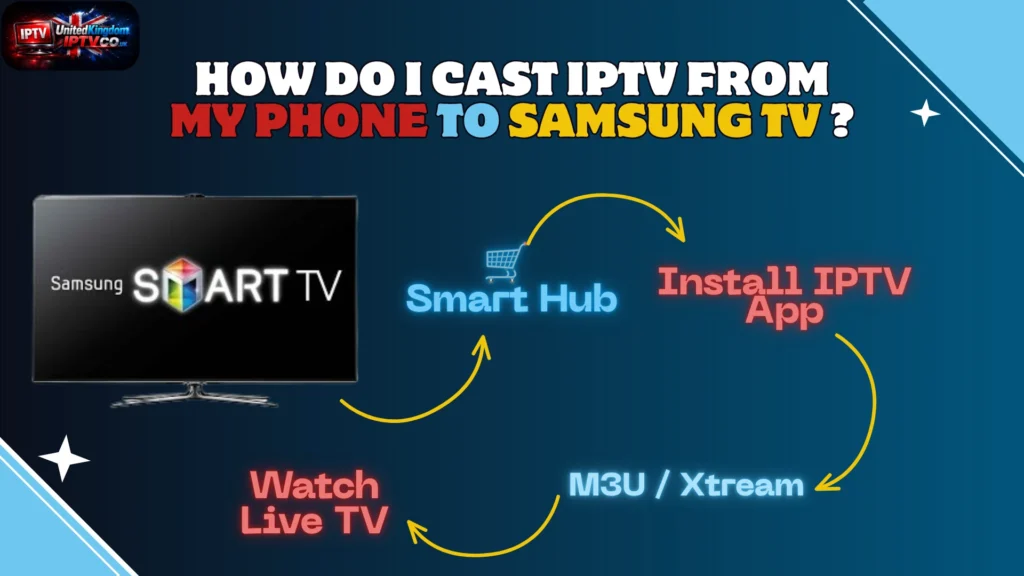
How do I cast IPTV from my phone to Samsung TV?
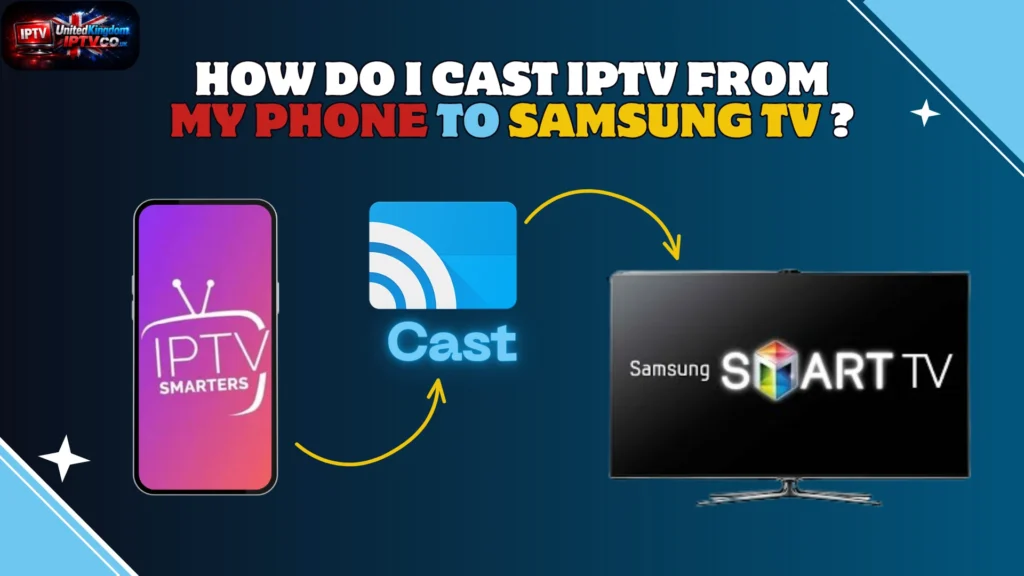
Casting is quick and handy, ideal for testing a player before installing it on the TV. Follow these steps for stable Live TV and VOD playback.
- Check compatibility in the Samsung Smart Hub or Tizen store, and confirm the IPTV player supports M3U playlists and an EPG for Live TV and on-demand content.
- Connect your phone and TV to the same Wi-Fi network. Use 5 GHz if available for smoother Streaming and fewer buffers.
- Use built-in casting, such as Smart View on Android or AirPlay on iPhone. Open your IPTV app and select the Samsung set to start casting.
- If casting fails, install a DLNA or Miracast receiver from the Tizen App Store. Then cast from your IPTV player to that receiver on the TV.
- Use a Fire TV Stick, Apple TV 4K, or an Android TV box if you want wider app support. Install the best IPTV player there, then switch the TV input to that HDMI port.
- Screen mirror as a fallback with a mirroring app or AirPlay. Pause downloads on your phone and keep the router close to reduce lag.
- Fix common issues by restarting both devices, clearing the IPTV app cache, updating Tizen and the player, and checking your subscription for multi-stream limits.
What features should I look for in an IPTV app for Samsung TV?
Pick IPTV Solutions that run smoothly on Tizen. Aim for quick installation through the App Store, a clear interface, and fast access to Live TV.
Why is a user-friendly interface important?
A clean interface helps you reach channels in seconds. Menus should be simple, and guides should show current programmes at a glance.
Apps built for Tizen in the Samsung Smart Hub reduce setup time. Strong playlist controls and easy VOD access save you from constant tweaking.
What is EPG (Electronic Programme Guide) support?
An EPG is the on-screen guide that lists shows and times. Good apps fetch schedules, episode names, and short descriptions, then display them within the TV app.
With EPG support, you can jump to Live TV, set reminders, and browse VOD from one screen.
How do playlist compatibilities affect IPTV apps?
Playlist format decides whether channels load correctly. M3U, M3U8, or JSON must match what the player expects, otherwise links can break or channels may vanish.
Before adding VOD libraries, confirm your list type and the app’s supported formats.
What are VOD (Video on Demand) capabilities?
VOD lets you choose films and series whenever you like. Good players offer quick search, resume, subtitle options, and adaptive bitrate streaming for slower connections.
A solid VOD catalogue, shown in a tidy grid, makes it easy to find your next show without scrolling forever.
Frequently Asked Questions
Here are quick answers to common questions about the Best IPTV Apps For Samsung TV, from setup to Streaming tips.
How do I install IPTV apps on Samsung TV?
Installation is straightforward. You need an internet connection and a Samsung account.
- Check your model and firmware. Go to Settings, Support, then Software Update to apply the latest Tizen patch for stable Smart TV Apps.
- Open Samsung Smart Hub. Search the App Store for players such as Smart IPTV, SS IPTV, OTTPlayer, or other compatible television apps.
- Install the player and grant permissions. After the download finishes, pin the app on Smart Hub for quick access to channels and VOD.
- Add your playlist or login in the app. Enter an M3U URL, Xtream Codes, or provider credentials to load Live TV and on-demand content.
- Activate or pay if required. Some apps use a one-time fee or MAC-based activation, so check the store listing before you confirm.
- Use USB or developer tools only if no public release exists. Sideloading on Tizen is complex, so consider Tizen Studio on a PC or choose an external device instead.
- Consider extra hardware for wider app access. A Fire TV Stick, Apple TV 4K, or Android TV box opens up more players and Smart TV applications.
Are IPTV apps legal to use?
IPTV players are legal when they stream content with the proper rights. Apps from the Samsung App Store go through checks, which can lower legal risk.
Unlicensed services that stream paid channels without permission can break copyright law and may lead to fines. Read the terms and verify your IPTV provider before adding any playlist to your Smart TV.
Can I use IPTV without additional hardware?
Yes, if your Samsung Smart TV supports the player in the App Store. Many Tizen sets run IPTV and VOD natively with no extra device.
If the app is missing, you can still cast from a phone or tablet on the same Wi-Fi. Many people plug in a Fire TV Stick, Apple TV 4K, or Android TV box to reach more applications and player features.
Check App Store rules before you try any Downloader or sideload method on Tizen.
Conclusion
Picking the Best IPTV Apps For Samsung TV is the fastest way to better Streaming. Install from the Samsung App Store or Smart Hub when available, then add your playlist for smooth Live TV and VOD. If an app is unavailable on Tizen, use a small HDMI device to unlock more players. With the right setup, your Smart TV becomes a simple, reliable source of entertainment.