
Looking for the best IPTV player for Firestick? You’re in the right place.
We’ve selected the most reliable IPTV players based on years of testing. Whether you need a free or premium app, you’ll discover the best options for smooth streaming and dependable performance on your Amazon Fire TV Stick.
Keep reading to find the IPTV player that best fits your needs.
Table of Contents
Why Use an IPTV Player on Firestick?
An Amazon Fire TV Stick turns any TV into a powerful streaming device. With a reliable IPTV player and an internet connection, you can access live TV, movies, and series without a satellite dish or cable setup.
Many IPTV players also support features like live TV playback, M3U and Xtream Codes playlists, EPG, and even recording or catch-up, depending on the app and your IPTV service. If an app isn’t available in the Amazon Appstore, you can often install it using the Downloader app.
What Is the Downloader App on Firestick?
The Downloader app lets you download and install apps directly from the internet using a URL or download code. It’s especially useful for installing IPTV players that aren’t available in the Amazon Appstore.
With its simple interface, you can quickly sideload compatible apps onto your Fire TV Stick in just a few steps.
Our Picks for the Best IPTV Players for Firestick
Below are our top recommendations for the best IPTV player for Firestick. We’ve included both free and premium options, along with their Downloader codes whenever available.
Televizo
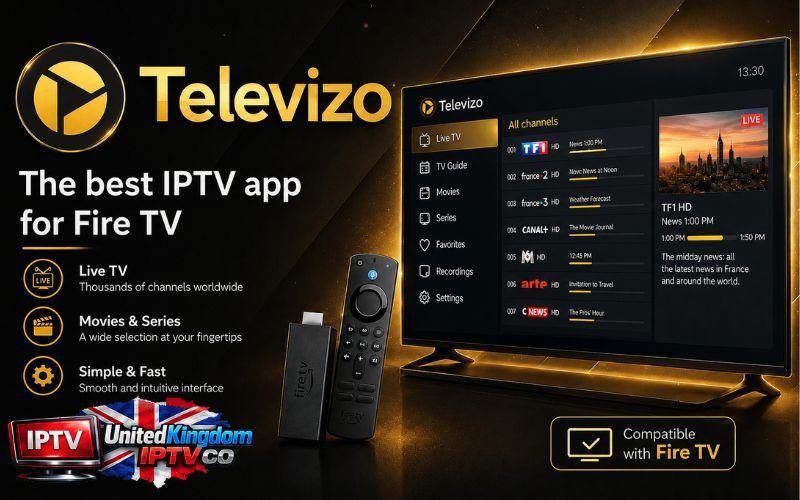
Televizo is a lightweight and reliable IPTV player for Firestick, designed for smooth live TV streaming over the internet. It supports both M3U playlists and Xtream Codes, making it easy to load and manage multiple IPTV subscriptions.
The app is appreciated for its simplicity, fast performance, and stable playback. It also allows users to add several playlists, which is useful for those managing multiple IPTV services.
Televizo is available in a free version, while the Premium version unlocks additional features such as ad removal and parental controls. It comes as a one-time purchase (around €9), with support for up to 5 devices, and includes a 1-hour free trial before buying.
Downloader code : 371082
Pros
- ✅ Free version available
- ✅ Simple and user-friendly interface
- ✅ Supports M3U and Xtream Codes
- ✅ Premium version available for up to 5 devices
Cons
- ❌ 1-hour trial only
IBO Player
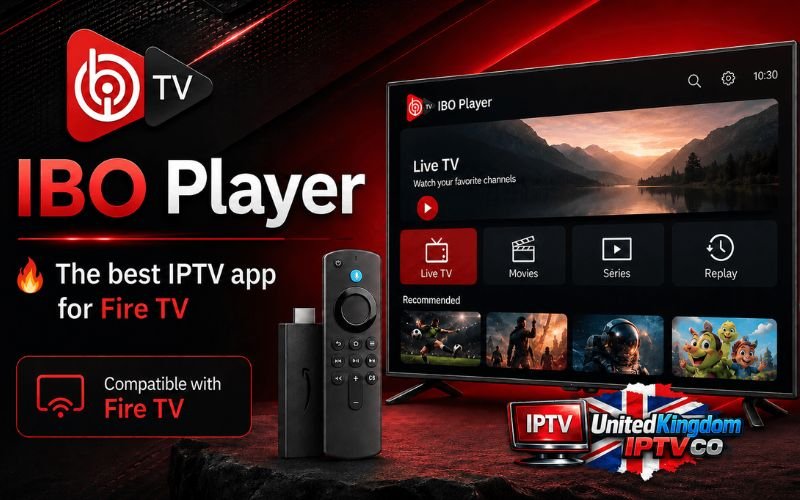
IBO Player is a stable IPTV player for Firestick that allows users to stream live TV through M3U playlists and Xtream Codes. It is widely appreciated for its performance and smooth playback experience on Fire TV Stick devices.
One of its key strengths is its stream preloading technology, which helps maintain playback stability even during temporary internet interruptions. The interface is simple and easy to navigate using the Firestick remote.
IBO Player is a paid application, offering a 7-day free trial with full access to all features. After the trial, activation costs around €10 as a one-time payment or €5 per year, with no monthly subscription required.
Downloader code : 511693
Pros
- ✅ Supports M3U and Xtream Codes
- ✅ 7-day free trial
- ✅ Stream preloading technology for smoother playback
Cons
- ❌ No major drawbacks reported
IPTV Smarters Pro
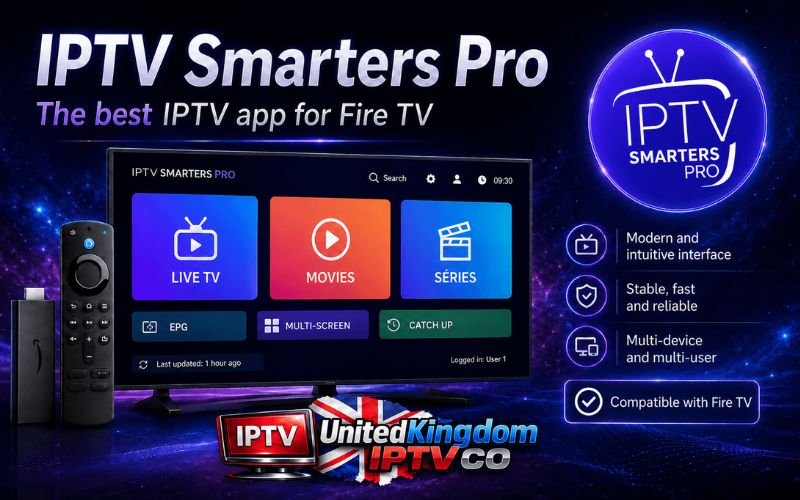
IPTV Smarters Pro is one of the best IPTV players for Firestick and remains a popular choice among IPTV users. It supports both M3U playlists and Xtream Codes, making it easy to manage multiple IPTV accounts in one place.
The app also includes useful features such as EPG for TV schedules, Catch-up support (when provided by your IPTV service), and Multi Screen, allowing you to watch multiple channels simultaneously.
Downloader code : 6468112
Pros
- ✅ Completely free to use
- ✅ Supports M3U playlists and Xtream Codes API
- ✅ Smooth playback with excellent video quality
- ✅ Customizable interface
Cons
- ❌ M3U playlists may be less stable than Xtream Codes API, which is generally the recommended option.
TiviMate
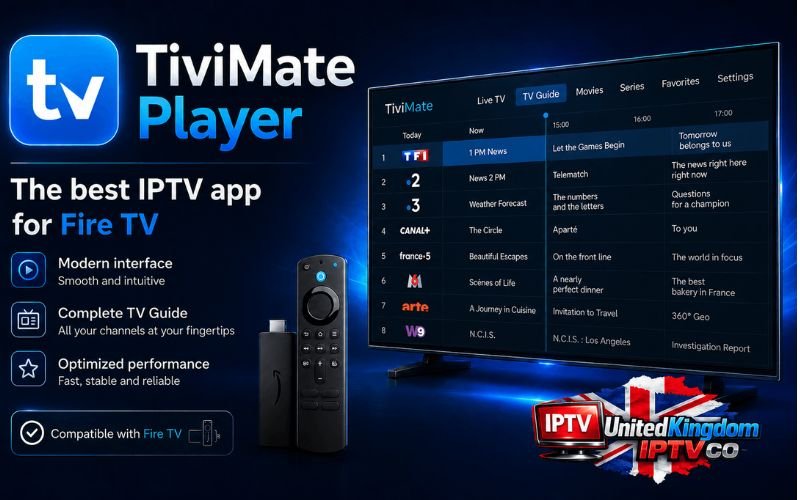
TiviMate IPTV Player is one of the best IPTV players for Firestick, known for its stability and TV-friendly design. Built specifically for Android TV devices, it works seamlessly with the Fire TV Stick remote and supports both M3U playlists and Xtream Codes.
The free version lets you watch live TV, while TiviMate Premium unlocks advanced features such as multiple playlists, recording, and Multi View for watching several channels at once. Premium also includes a 7-day free trial and can be activated on up to 5 devices.
Downloader code : 272483
Pros
- ✅ Free version available
- ✅ Premium plan with advanced features
- ✅ 7-day free trial
- ✅ Activate on up to 5 devices
- ✅ Modern interface
Cons
- ❌ No VOD support in the free version
Zen IPTV Player
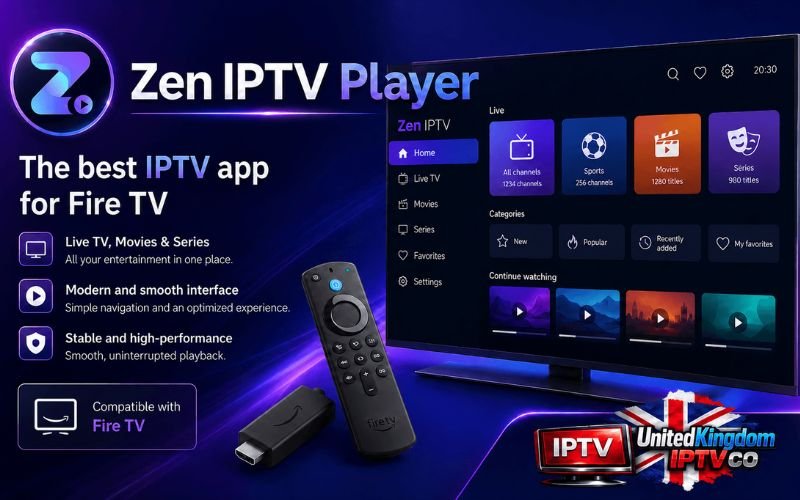
Zen IPTV Player is a free IPTV app for Fire TV Stick that lets users stream content through M3U playlists and Xtream Codes. It offers a clean and simple interface, designed for easy navigation directly from your TV.
The app includes useful features such as cross-device synchronization, support for multiple user profiles, and a watch history option that allows you to resume content where you left off.
While the core features are free, advanced options are available through a premium plan. Zen IPTV Player offers flexible pricing, including €2.99 per month, €16.99 per year, or a €26.99 lifetime license.
Pros
- ✅ Free basic features available
- ✅ Device synchronization across multiple devices
- ✅ Multiple user profiles support
Cons
- ❌ No Downloader code; manual installation required on Firestick
- ❌ Some advanced features require a premium upgrade
OTT Player
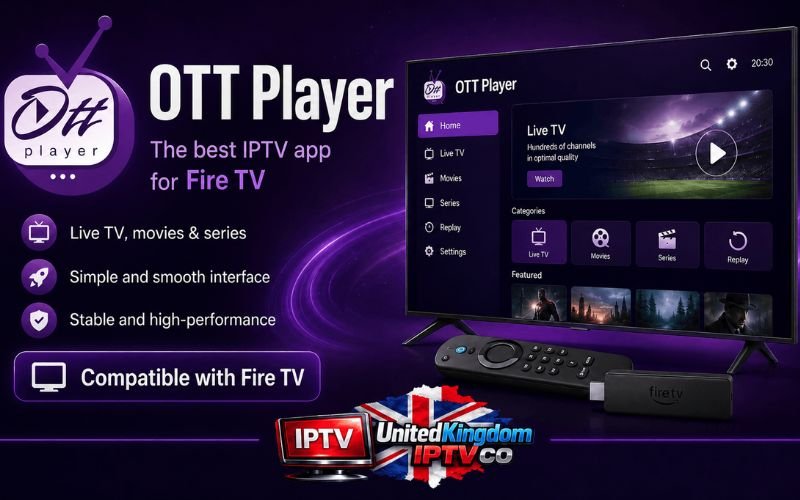
OTT Player is a popular IPTV application widely used on Firestick and other streaming devices to manage and watch IPTV content. It allows users to load their own M3U playlists from an IPTV provider and organize channels, movies, and series in a clean and structured interface.
One of its main advantages is its cloud-based system, which lets you sync your playlists and settings across multiple devices. This makes it convenient for users who switch between different screens while keeping the same viewing experience.
OTT Player is also known for its simple setup process and compatibility with a wide range of IPTV services. However, unlike some advanced IPTV apps, it focuses mainly on playlist playback rather than built-in content or extra features.
Downloader code : 982469
Pros
- ✅ Supports M3U playlists
- ✅ Cloud sync across multiple devices
- ✅ Simple and easy setup
- ✅ Clean and organized interface
Cons
- ❌ Limited advanced features compared to premium IPTV players
- ❌ Requires external IPTV playlist (no built-in content)
Conclusion
IPTV players for Firestick all aim to improve your streaming experience, but each one offers something different when it comes to features and performance. Some are lightweight and simple to use, while others provide advanced options like multiple playlists and better customization.
The best IPTV player for Firestick is the one that feels stable, easy to navigate, and fully compatible with your IPTV setup, ensuring smooth and uninterrupted streaming.
| IPTV Player | Type | Compatibilité | Fonctionnalités clés | Prix |
|---|---|---|---|---|
| IPTV Smarters Pro | IPTV Player | Firestick, Android | M3U, Xtream Codes, EPG, Multi Screen, Catch-up | Gratuit / Premium |
| TiviMate | IPTV Player | Android TV / Firestick | Multi playlists, recording, Multi View, EPG | Gratuit + ~35.99€/an |
| Televizo | IPTV Player | Firestick, Android | M3U, Xtream Codes, multi playlists, interface simple | Gratuit / ~9€ (one-time) |
| IBO Player | IPTV Player | Firestick, Smart TV | Stream preloading, M3U, Xtream Codes | ~10€ one-time / 5€/year |
| Zen IPTV Player | IPTV Player | Firestick | Multi profiles, sync devices, watch history | Free / Premium (monthly/yearly/lifetime) |
| OTT Player | IPTV Player | Firestick, Smart TV | Cloud sync, M3U support, playlist manager | Free |
| Downloader | Tool | Firestick | App sideloading via URL or code | Free |
FAQ
Is IPTV legal on Firestick?
IPTV itself is legal, but it depends on the service you use. Always make sure your IPTV provider has the proper rights to broadcast the content.
Do I need a VPN for IPTV on Firestick?
Many users use a VPN to improve privacy and reduce ISP throttling, but it is not mandatory. It depends on your location and IPTV provider.
Why is my IPTV buffering on Firestick?
Buffering usually happens due to a weak internet connection, overloaded IPTV servers, or poor playlist quality. A stable connection and a reliable provider can reduce this issue.
What is the best IPTV format for Firestick?
Most IPTV players support M3U playlists and Xtream Codes API, which are the most commonly used formats for streaming.
Can I install IPTV apps without the Amazon Appstore?
Yes. You can use tools like the Downloader app to install IPTV players that are not available on the official Amazon store.
